 Examinator
Multi-format exam simulator
Practice smarter for the test that matters.
Import question banks in open formats, take realistic timed exams, track your progress, and drill the questions you keep getting wrong — in one fast, native app that syncs across your devices.
Universal app for macOS · iPadOS · iOS
Practice
Study the way you actually learn.
Every mode is built to get you exam-ready faster — not just to quiz you.
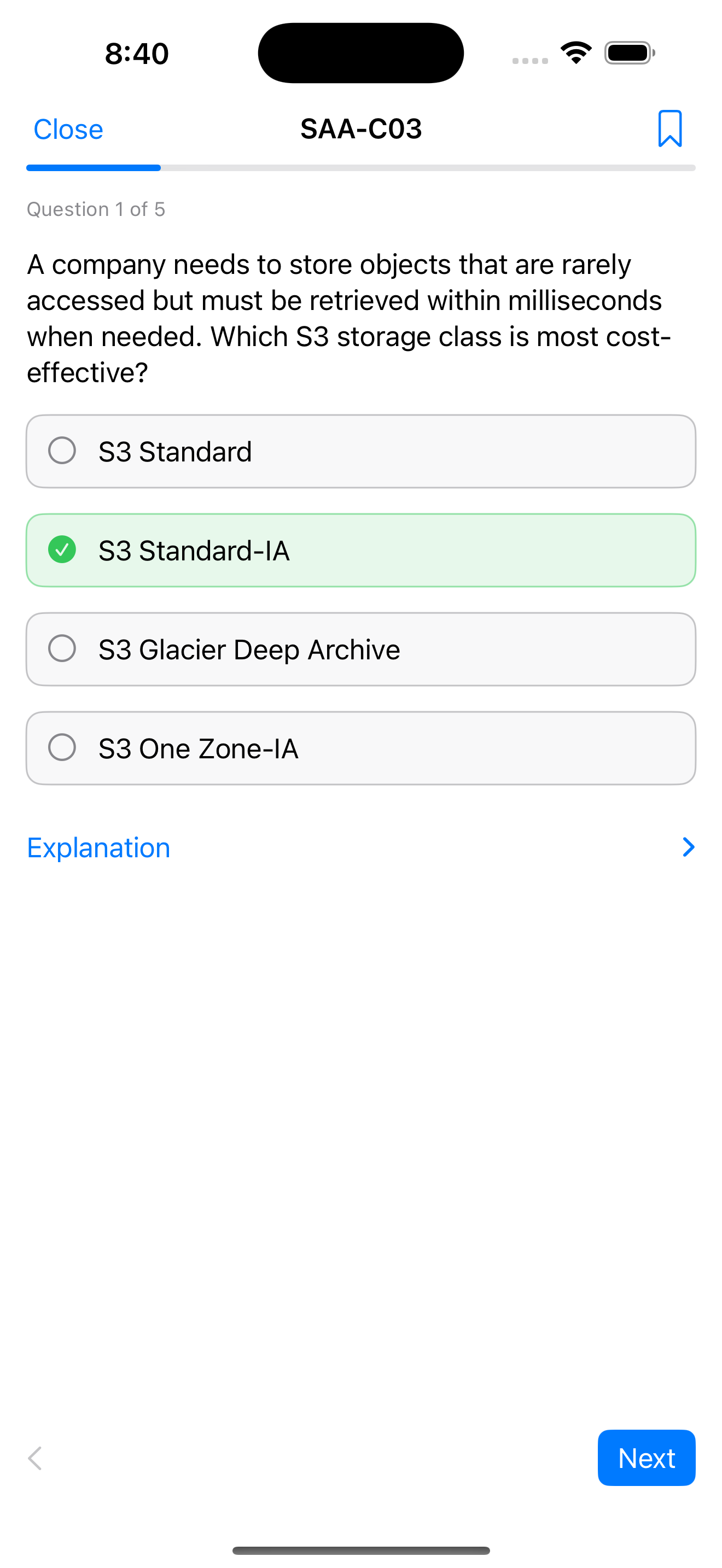
Full, random, or focused
Take the whole exam, a random subset, the first N, or a shuffled run.
Bookmarks & “needs work”
Drill only the questions you flagged, or the ones you miss most.
Instant or review-at-end
See answers and explanations as you go, or review everything at the finish.
Real exam pressure
A live countdown that auto-submits when time runs out — then resume anytime.
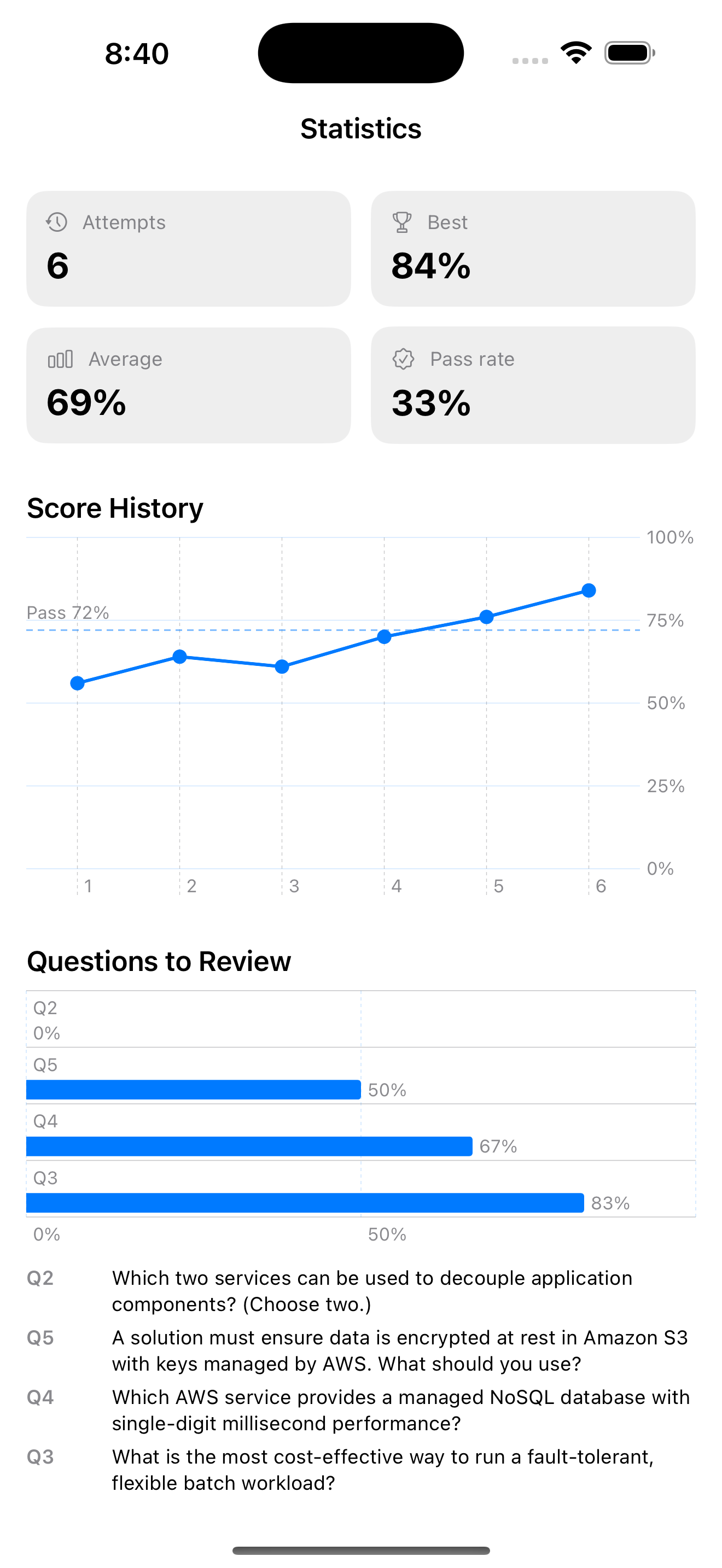
Score history & weak spots
Track pass rate over time and see exactly what to study next.
Across your devices
iCloud keeps your exams and results up to date on Mac, iPad, and iPhone.
Bring your own content
Open formats in, open formats out.
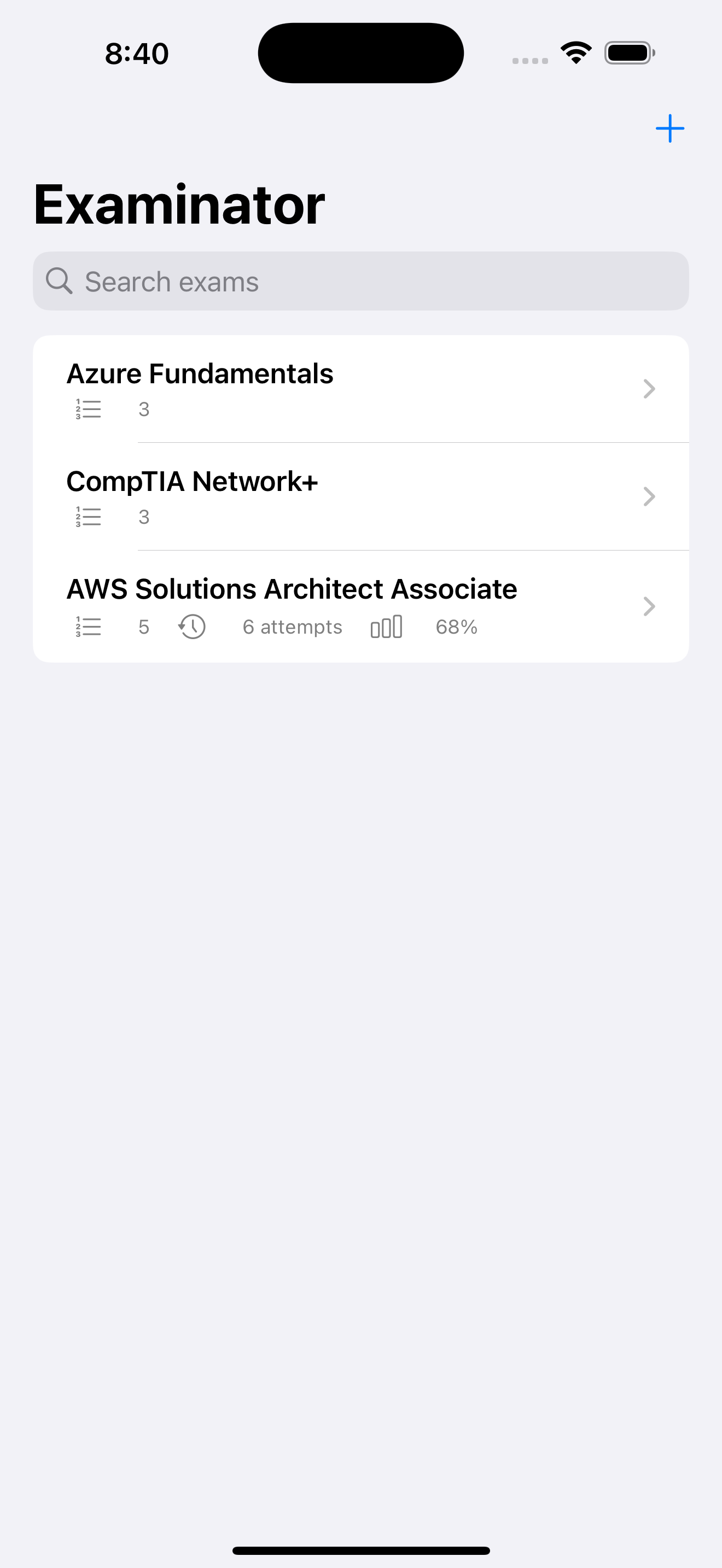
Import a question bank, or author your own in the app. Convert between formats with a single tap — Examinator doubles as a converter.
Examinator ships with no exam content — you bring your own study material or create your own questions.
Support
Questions or feedback?
Get help
Email john.e.anderson@gmail.com and we'll get back to you.
Importing files
Tap + → Import File and choose a GIFT, Aiken, Moodle XML, or JSON file. Not sure where to start? Create a new exam and add your own questions.
iCloud sync
Sync uses your private iCloud account. Sign in to iCloud on each device and your exams and results stay in step automatically.